
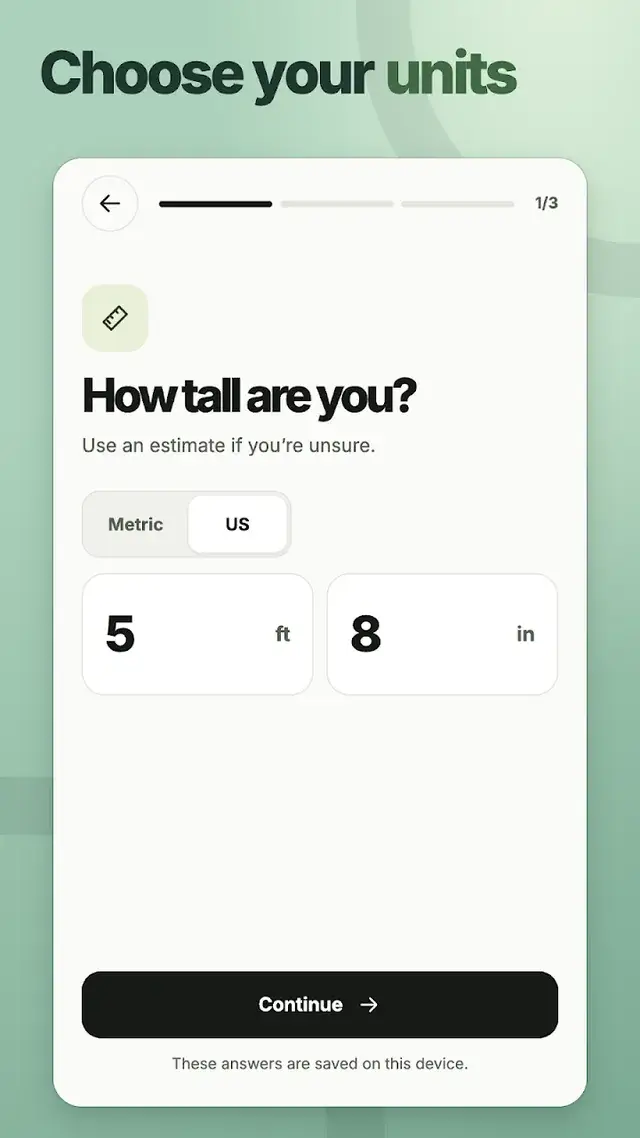
Choose your units
During setup, enter your height in metric or US units.
 Food Score AI
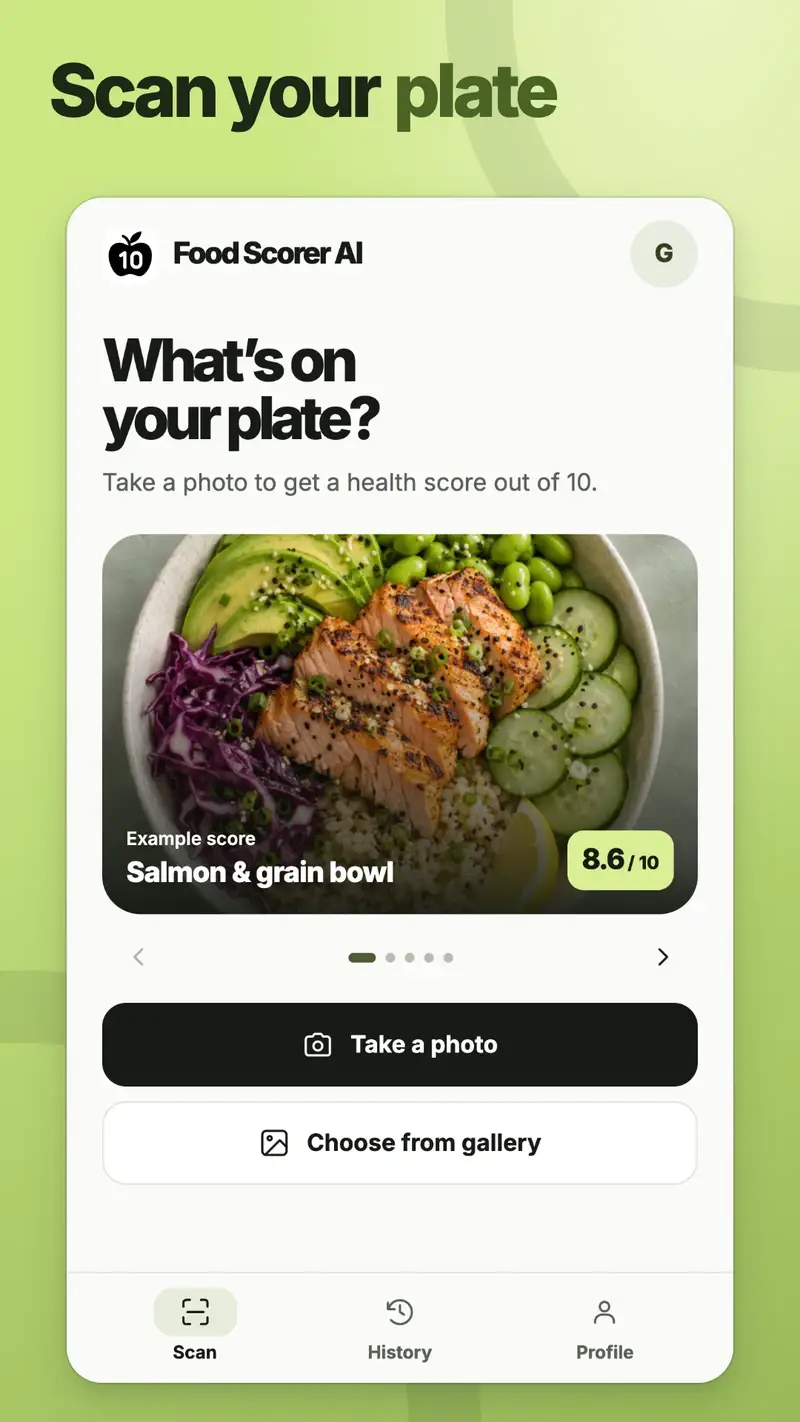
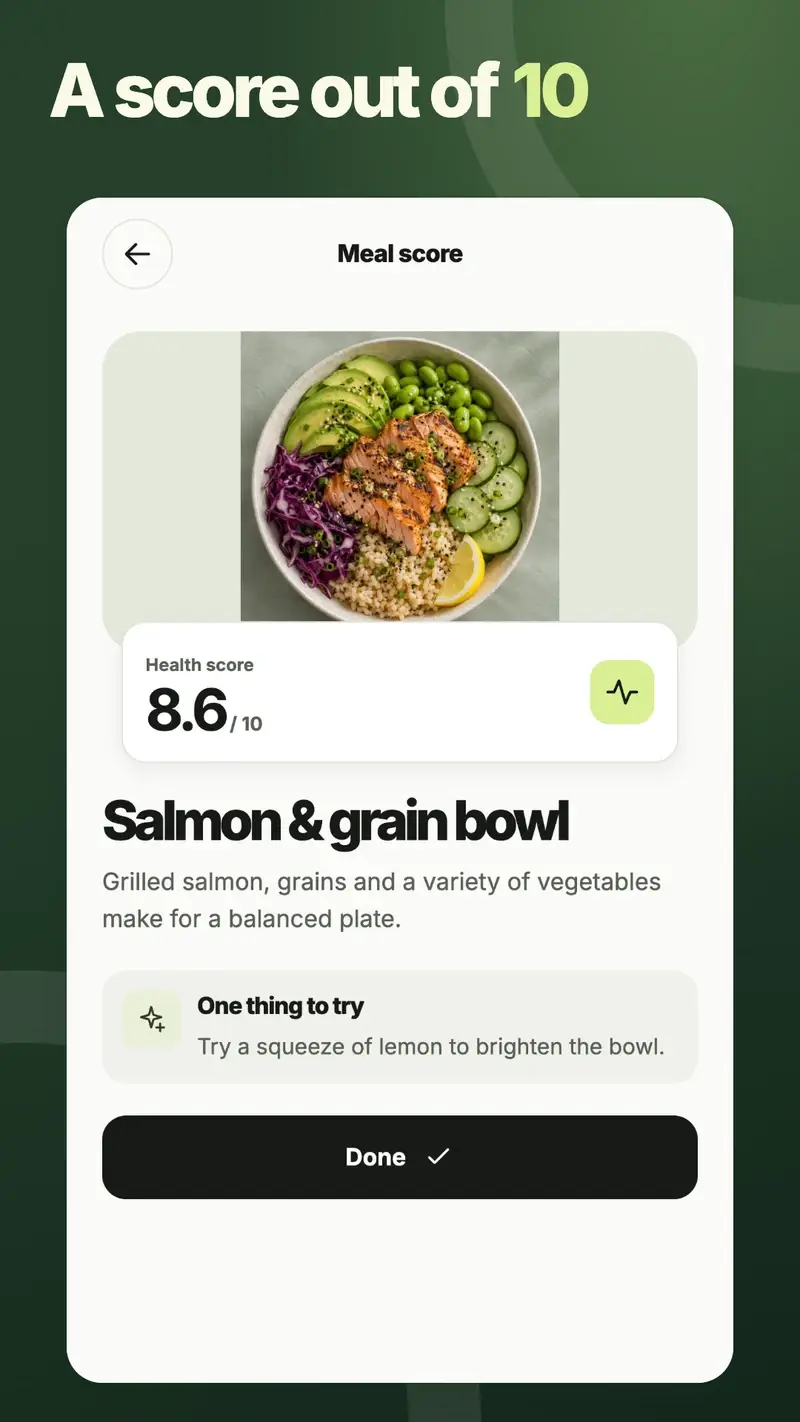
Snap a photo of your meal and get an estimated health score out of 10, a short explanation, and one practical tip for next time.
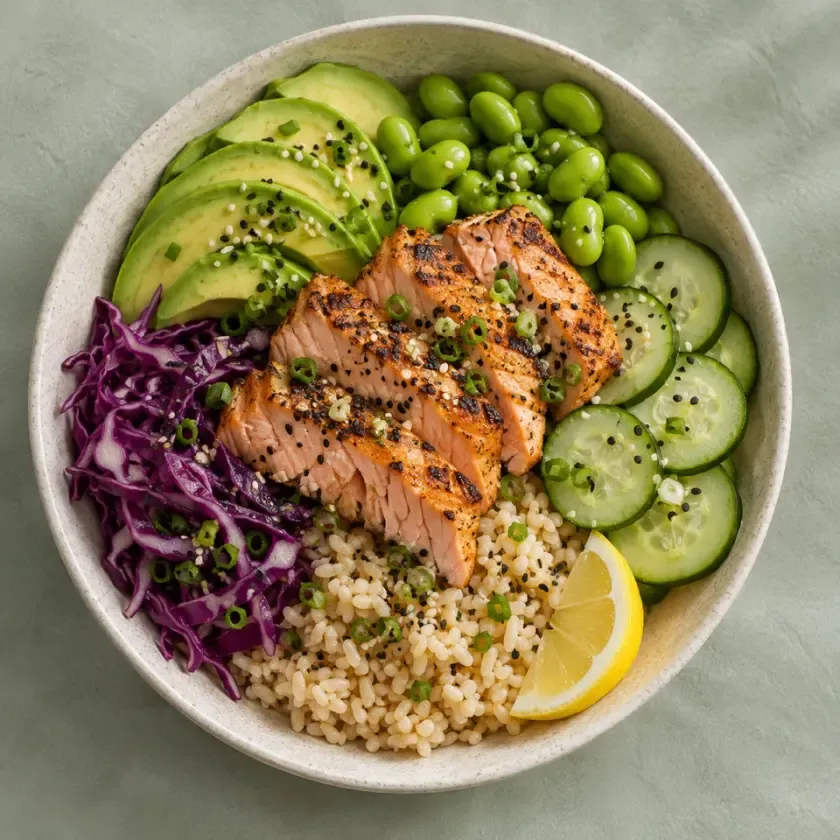
Example meal
Salmon & grain bowl
8.6 / 10
Take a picture in the app or choose one from your gallery. Use good light and keep the whole plate in the frame.
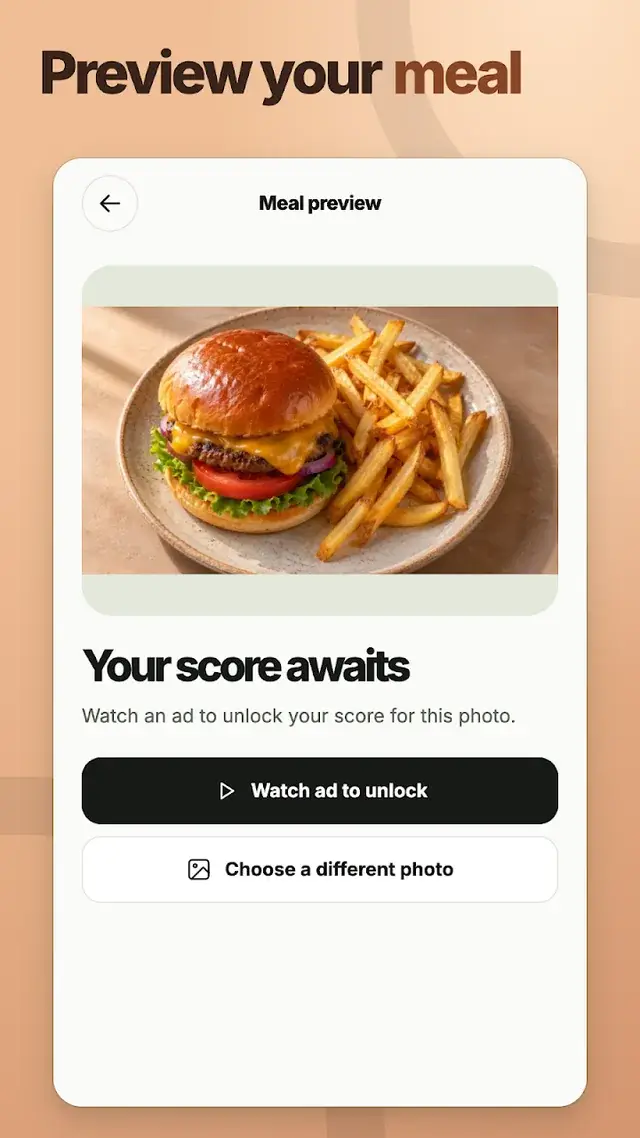
Finish watching an ad to see your score, a short explanation, and one suggestion for next time.
Tap Done on the result screen. Open History when you want to revisit previous scans.
During setup, enter your height in metric or US units.
Check what’s in the frame and swap the photo before unlocking your score.
Example meal
Here’s how Food Score AI explains its estimate for the salmon and grain bowl shown above.
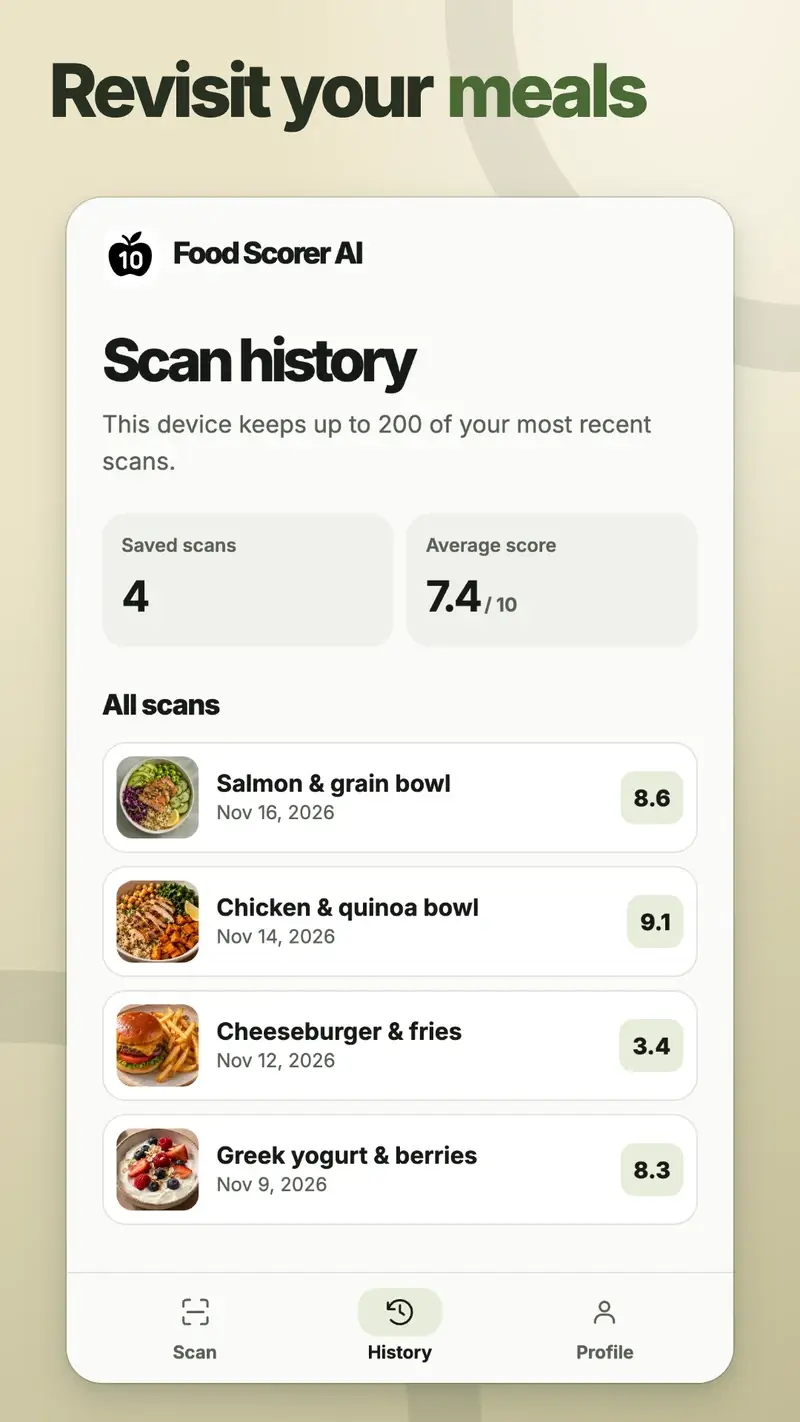
Scan history keeps recent meal photos and scores on this device. Look back at a dish you liked, or compare two versions of a meal you make often.
The History screen shows an average across your saved scans. It reflects the meals you photographed.
Yes. Choose from gallery on the scan screen and select a meal photo from your device.
It estimates a score from the foods it can identify in the image. Hidden ingredients, cooking oils, sauces, and exact quantities are difficult to judge from a photo alone.
Watching an ad is part of unlocking the meal score and its explanation.
Open History in the app to see recent scans saved on this device, along with their individual scores and an average.
Meal scores are estimates for general wellness.