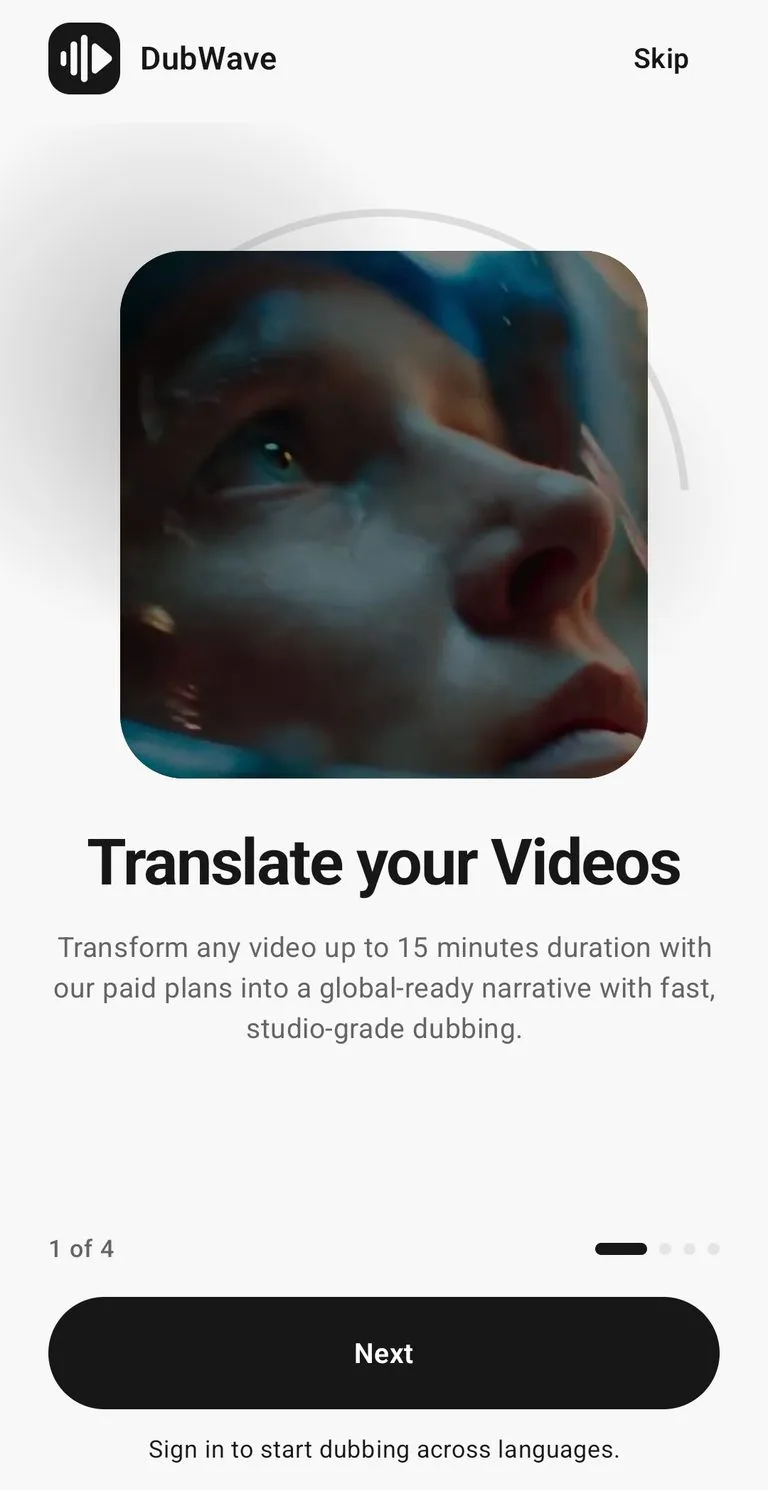
Translate your videos
Transform videos up to 15 minutes into a global-ready narrative with fast, studio-grade dubbing.
Your studio
Your content. A world of new voices.
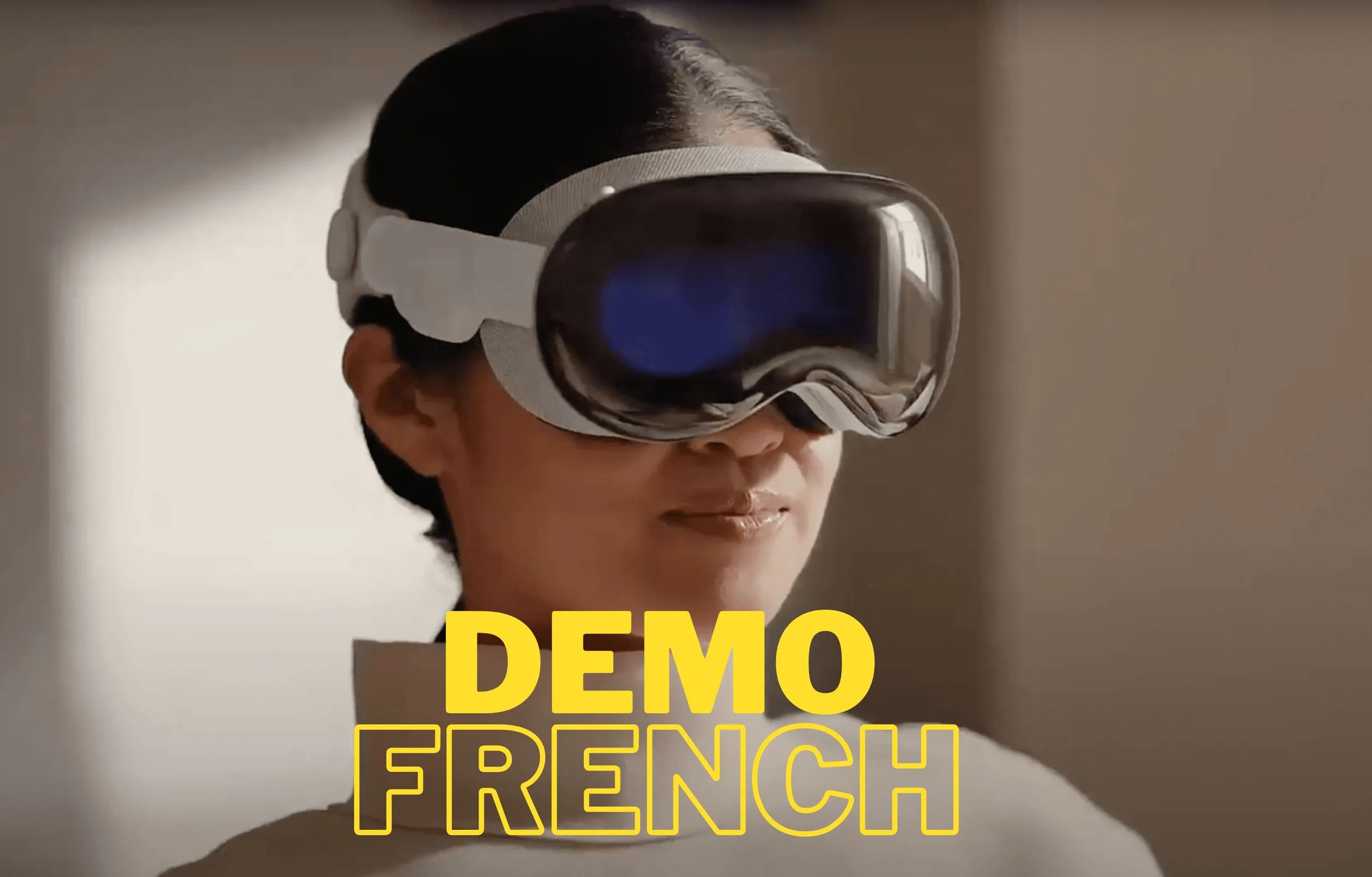
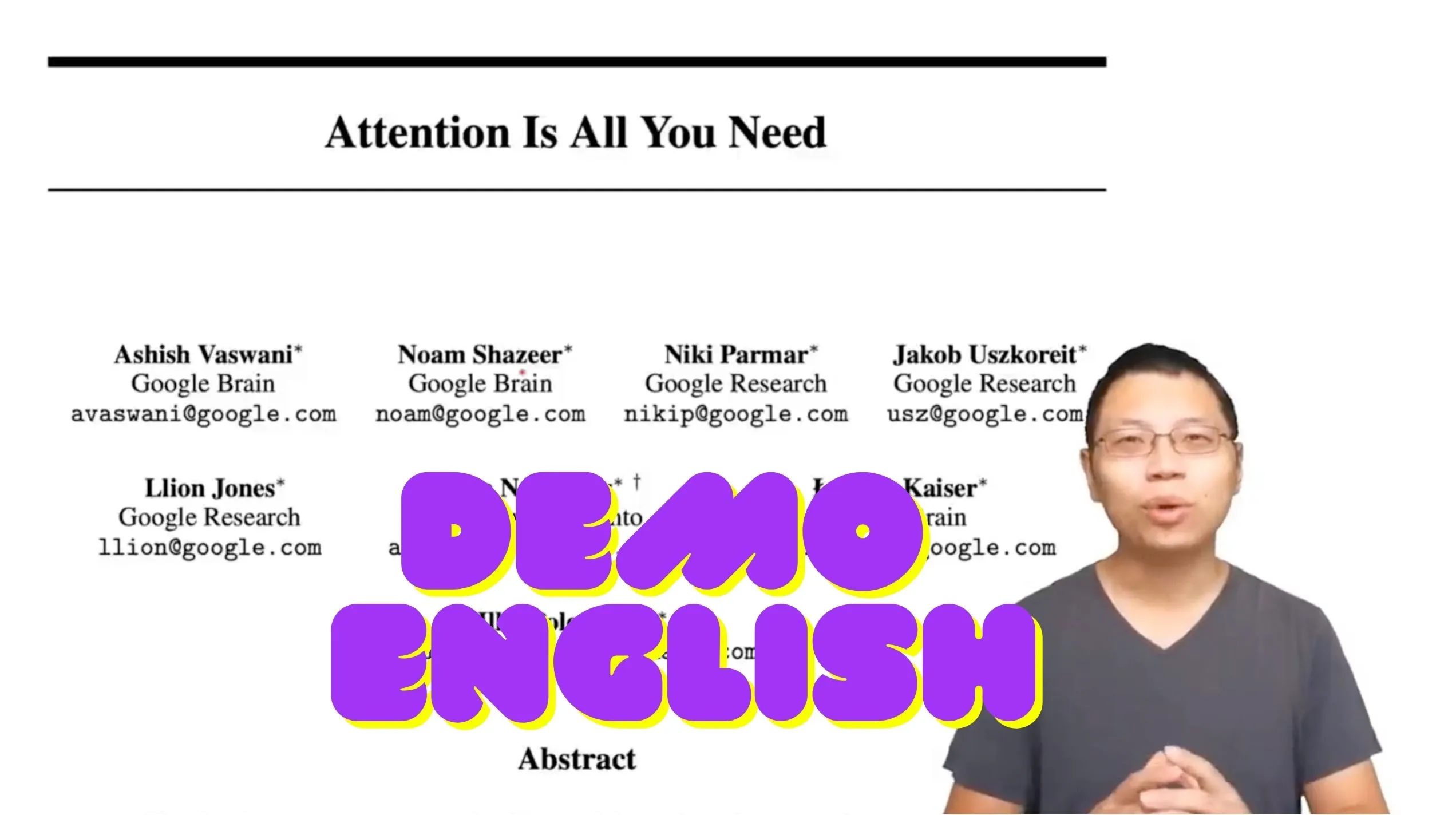
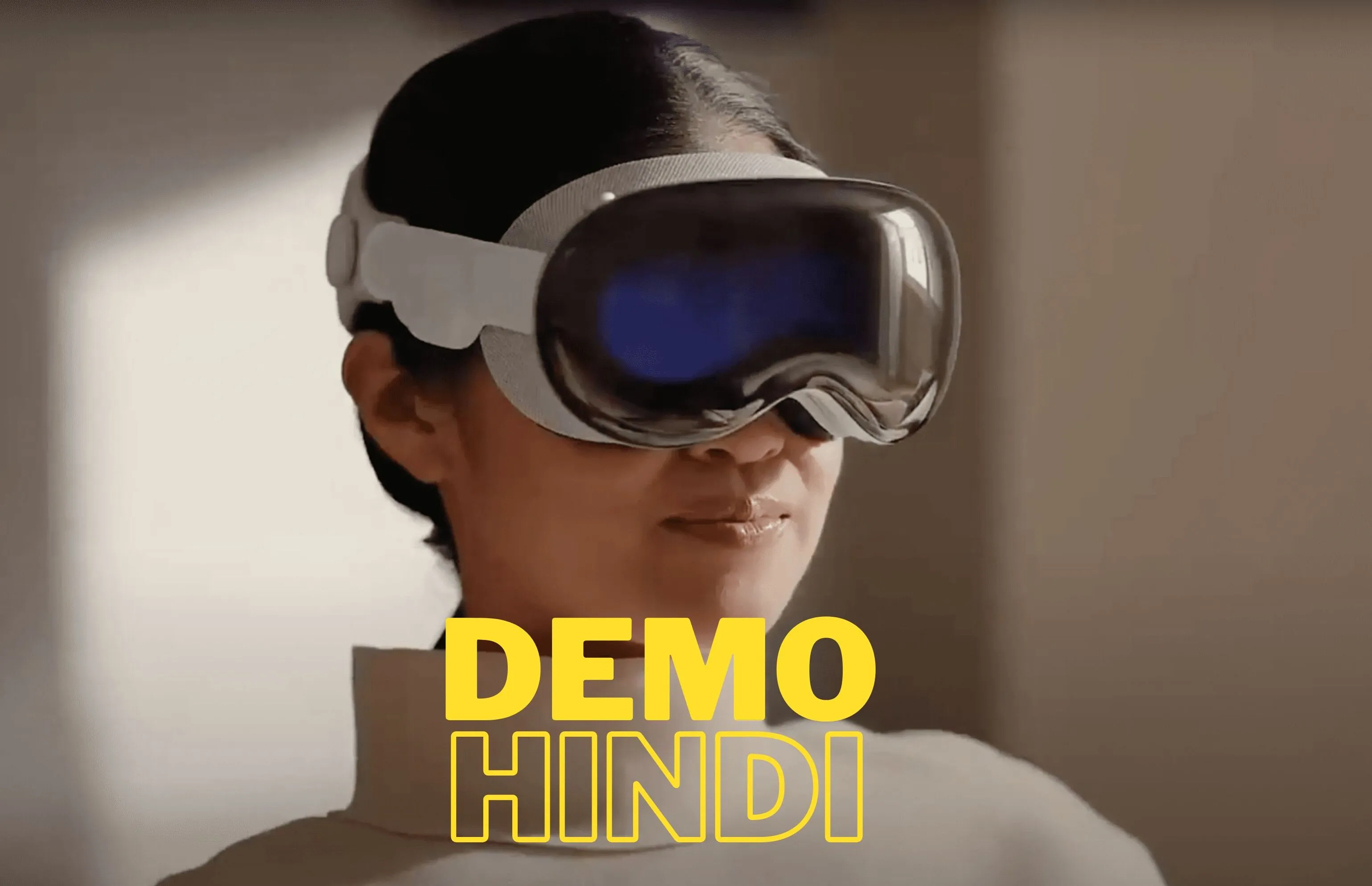
DubWave turns your video into another language with studio-grade AI dubbing — plus AI Review commentary and YouTube link import in one focused Android studio.
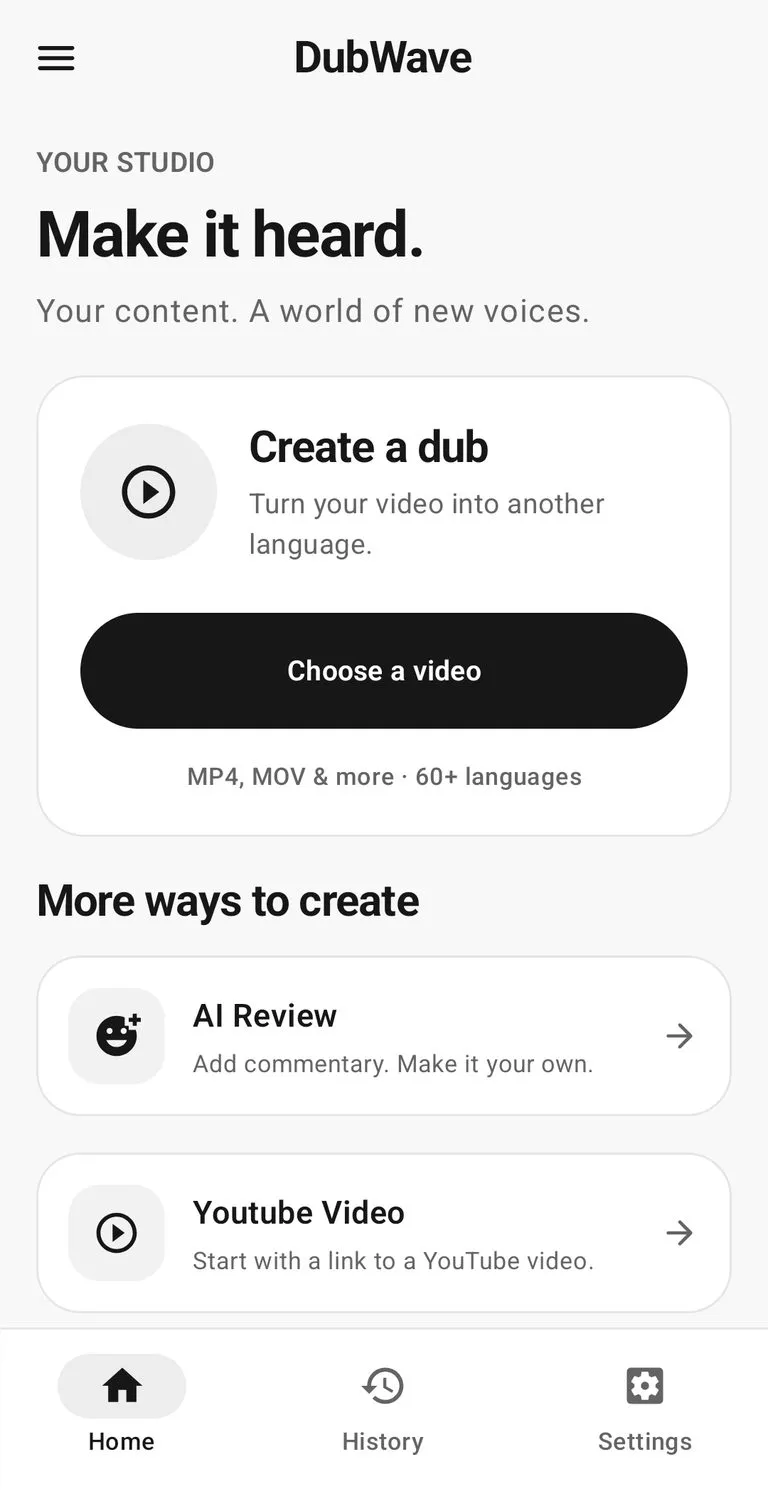
Workflow
The studio is built around short-form creators: pick a clip, choose the output, and create localized video without handing work across multiple tools.
Start with MP4, MOV, and more — or paste a link to a YouTube video to dub it into another language.
Pick a conversion mode, voice gender, and target language. Review the transcript before you spend credits.
Generate a studio-grade dub, or add thoughtful AI Review commentary to any spoken video.
Inside the studio
A calm black-and-white studio: free short dubs to experiment with, best quality when a video matters, and AI Review when you want to add your own perspective.
Transform videos up to 15 minutes into a global-ready narrative with fast, studio-grade dubbing.
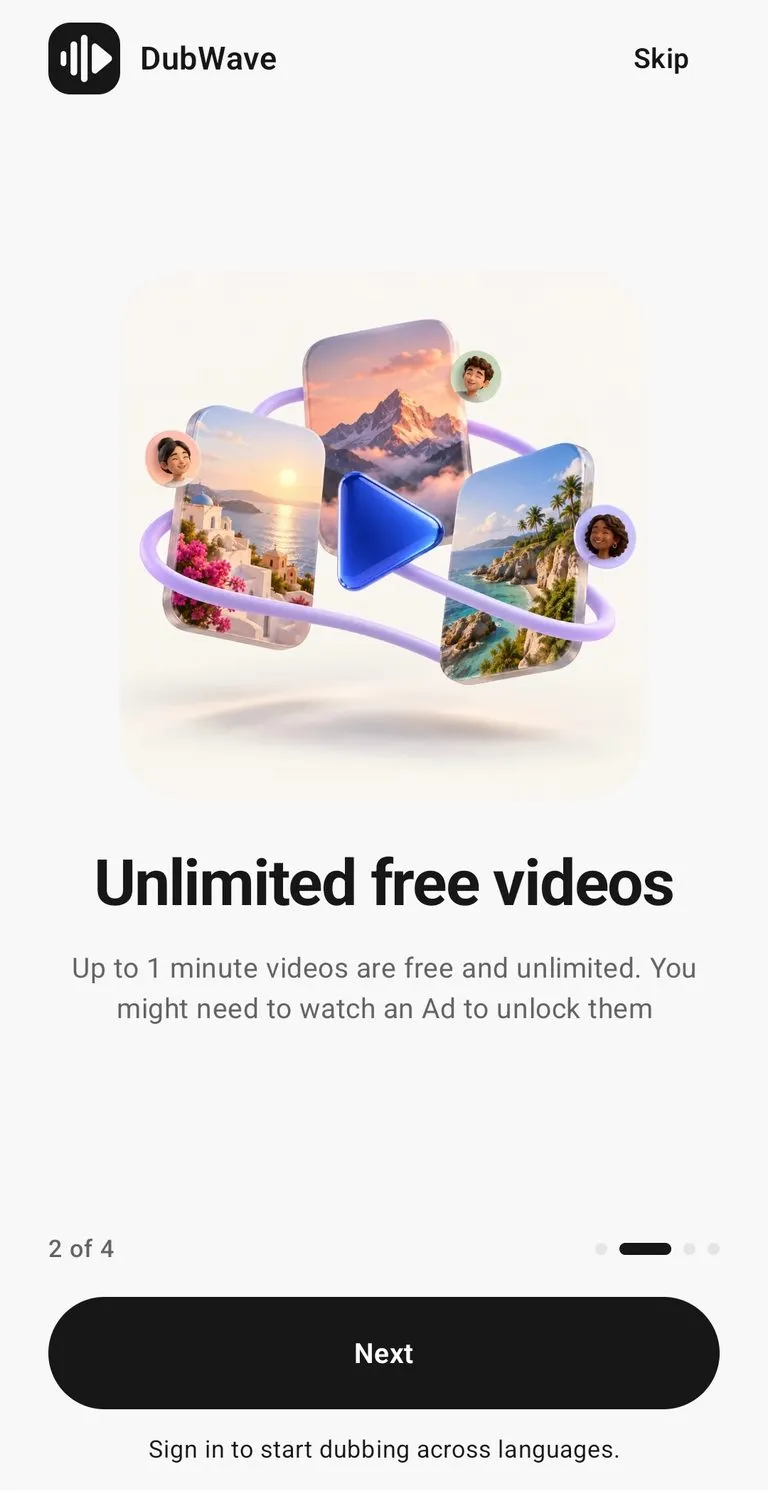
Videos up to 1 minute are free and unlimited — perfect for Reels, TikToks, and Shorts.
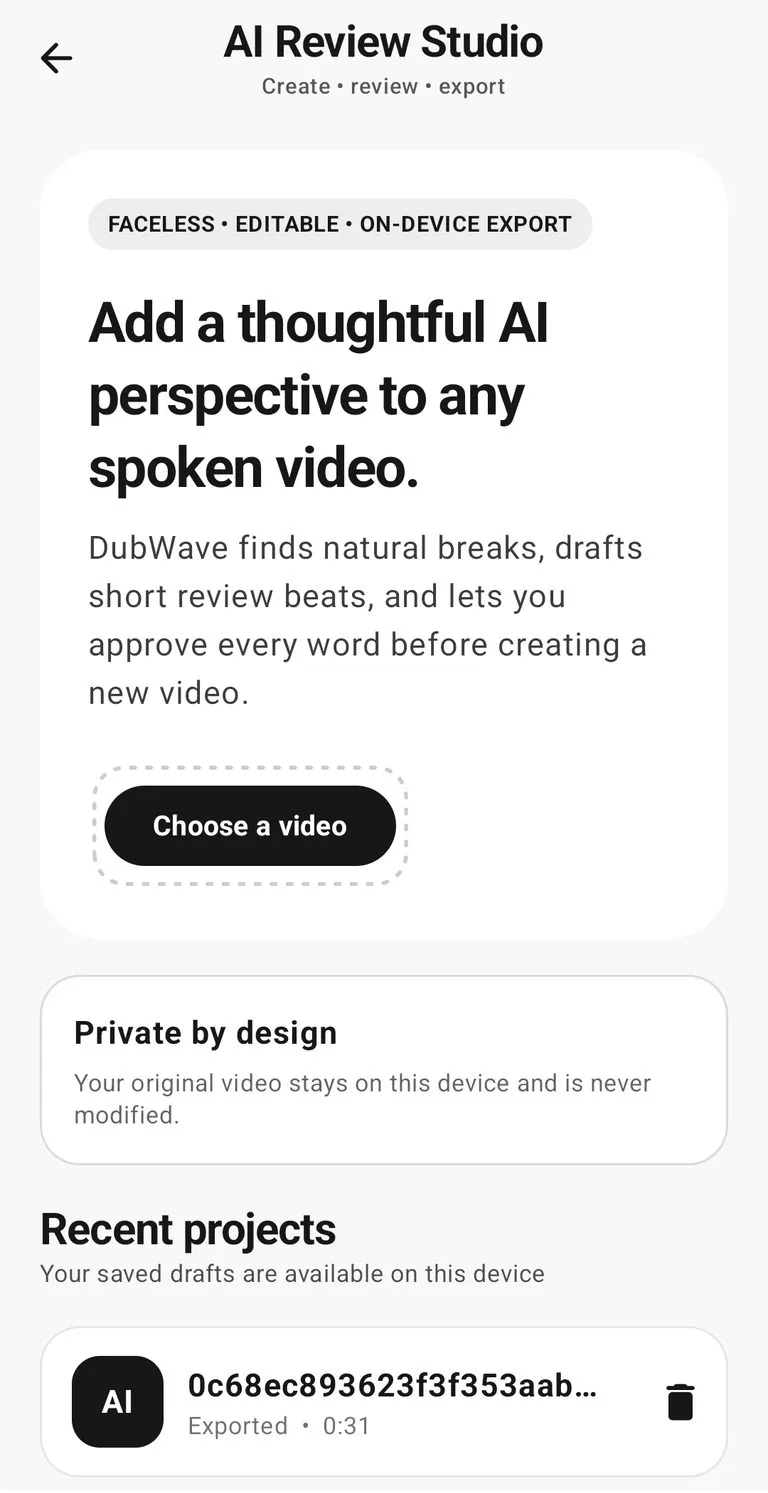
DubWave finds natural breaks, drafts review beats, and lets you approve every word before export.
Features
DubWave keeps dubbing, review, and localization controls together so creators can reach more languages without building a production pipeline.
Turn your video into another language with fast, studio-grade dubbing in 60+ languages.
Add a thoughtful AI perspective to any spoken video — review every word, then export a new video.
Start with a link to a YouTube video and dub it without downloading or re-uploading files.
Correct names, product terms, and key phrases before spending credits on output.
Choose voice gender and output quality to match each clip, audience, and budget.
Dub videos up to 1 minute free and unlimited, then use credits for longer, best-quality videos.
Pricing
Start with unlimited free videos up to 1 minute, then move to Best Quality credits when you need longer videos and studio-grade output.
For testing reels, shorts, and quick language experiments.
$0
For Reels, TikToks, YouTube, and videos that matter.
$2
per 100 credits
For larger teams localizing campaigns or high-volume video libraries.
Custom
Output
Keep the creative source intact and generate region-ready language variants for testing, paid social, or ongoing audience growth.