Video to text
Start by creating a transcript from the spoken audio in your video.
Video translator app
DubWave helps creators translate videos by turning spoken audio into editable text, translating the script, and generating dubbed output for short-form content in 60+ languages.
Workflow
Video translation is easier to trust when you can see and edit the script before generating the final dubbed clip.
Start by creating a transcript from the spoken audio in your video.
Translate the script into your target language and review important wording before output.
Generate a dubbed version so the translated video can be watched without relying only on captions.
Languages
DubWave supports 60+ target languages, making it useful for creators testing new regions or publishing localized versions of the same video.
Why DubWave
DubWave focuses on the practical parts of translating short videos: fast import, readable transcripts, script editing, target-language choice, and AI dubbing output.
A general video translator can produce rough subtitles, but creators often need a more complete localization workflow. DubWave lets you check the transcript before translation, fix words that matter, and create a dubbed version that is easier to publish across social channels.
FAQ
Answers for creators comparing video translation, subtitles, transcription, and AI dubbing.
Install the DubWave Android app, import a video or audio file, review the transcript, choose a target language, and generate the translated dubbed output.
Many workflows use both. A transcript makes the translation editable, while dubbing creates a spoken-language version for viewers who prefer listening in their own language.
Yes. DubWave is designed around short-form creator videos, social ads, and fast localization tests.
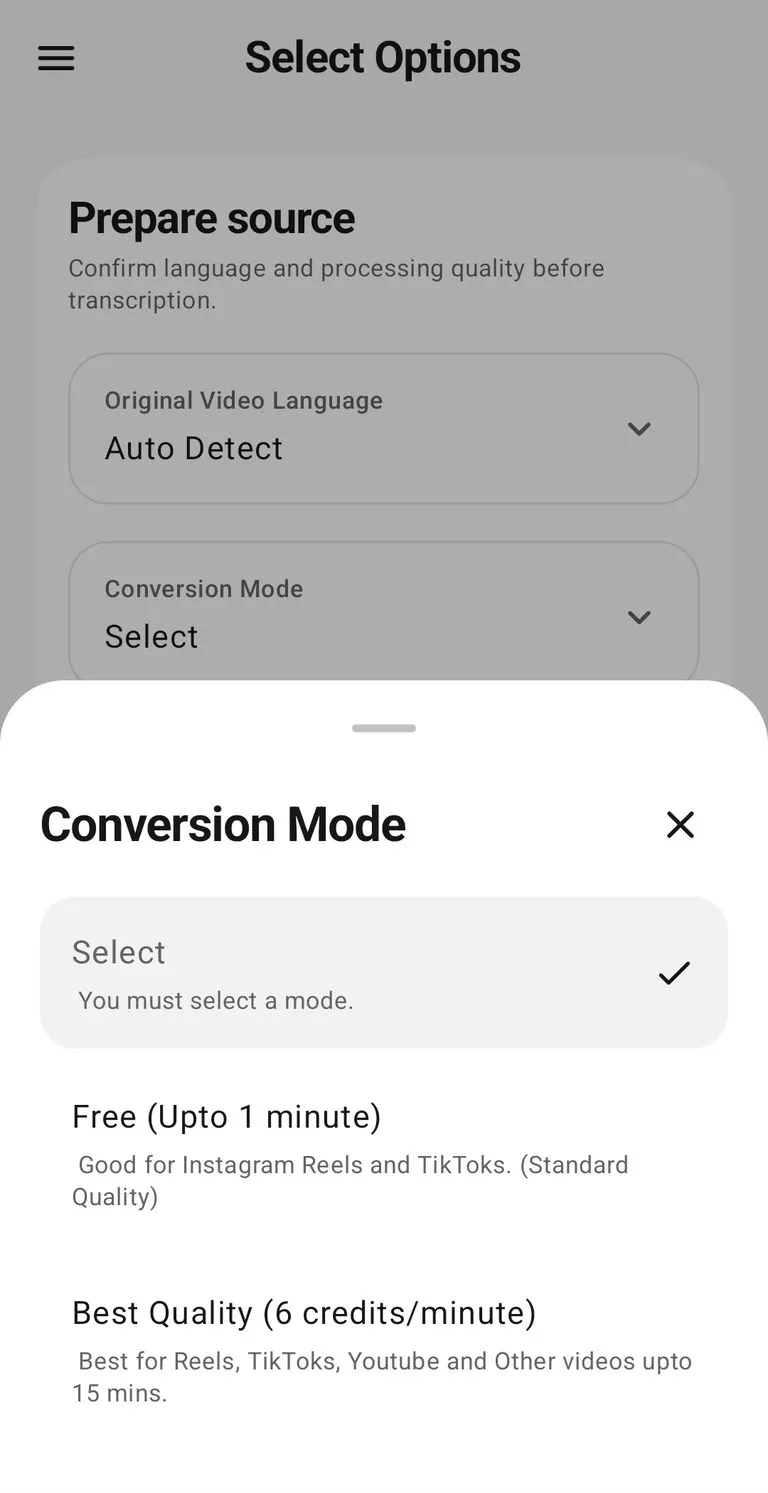
Yes. Videos up to 1 minute are free and unlimited in standard quality, with Best Quality credits for longer clips and higher quality generation.