
Creators
Repurpose reels, shorts, and TikToks for viewers who prefer content in their native language.
AI video translator
Use DubWave to transcribe, translate, and dub videos for new audiences. Keep control of the script, pick a voice, and create localized reels, TikToks, shorts, and ads from your Android phone.
How it works
DubWave keeps the AI video translation workflow compact: choose a video, review the transcript, pick the output, and generate dubbed video.
Select a short-form video or audio file from your phone — or start with a link to a YouTube video.
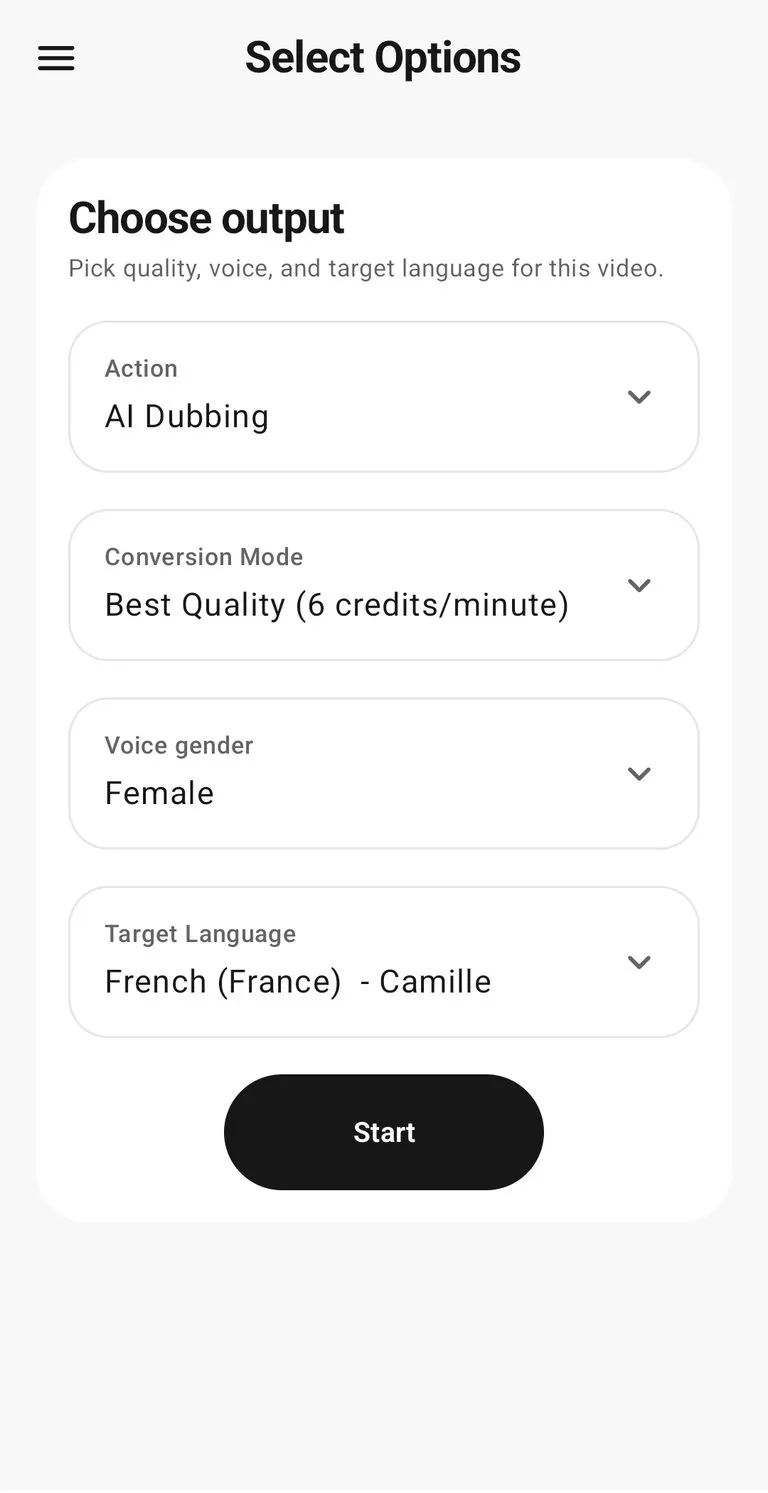
Review the transcript, then pick a conversion mode, voice gender, and target language for this video.
Generate a dubbed video for reels, TikToks, shorts, and ads — or add AI Review commentary instead.
Features
A good AI video translator needs more than a one-click conversion. DubWave gives creators the transcript and language controls needed to improve the final dubbed video.
Use cases
DubWave is most useful when a team needs localized video versions quickly, without handing every short clip to a separate production process.
Repurpose reels, shorts, and TikToks for viewers who prefer content in their native language.
Localize short ads and campaign clips before spending budget in a new region.
Translate explainers, lessons, and tutorials so the same video can reach more learners.
FAQ
Practical answers for creators comparing AI video translation, transcription, subtitles, and dubbing workflows.
An AI video translator turns spoken content in a video into another language. DubWave combines transcription, editable scripts, translation, and AI dubbing so creators can produce localized video versions from one workflow.
Yes. DubWave supports 60+ target languages for video translation and 45+ source languages for transcription.
Yes. DubWave lets you review and edit the transcript before generating the dubbed output, which is useful for names, product terms, and important phrases.
Yes. Videos up to 1 minute are free and unlimited in standard quality. Best Quality credits unlock videos up to 15 minutes with the best transcription and voice quality.