
Write a text entry
Jot down a small win, unpack a conversation, or write one thing you’re grateful for.
 AI Diary - Journal with Lock
A few lines, a voice note, or a video. Capture your day in a journal you can lock, and track how you felt along the way.

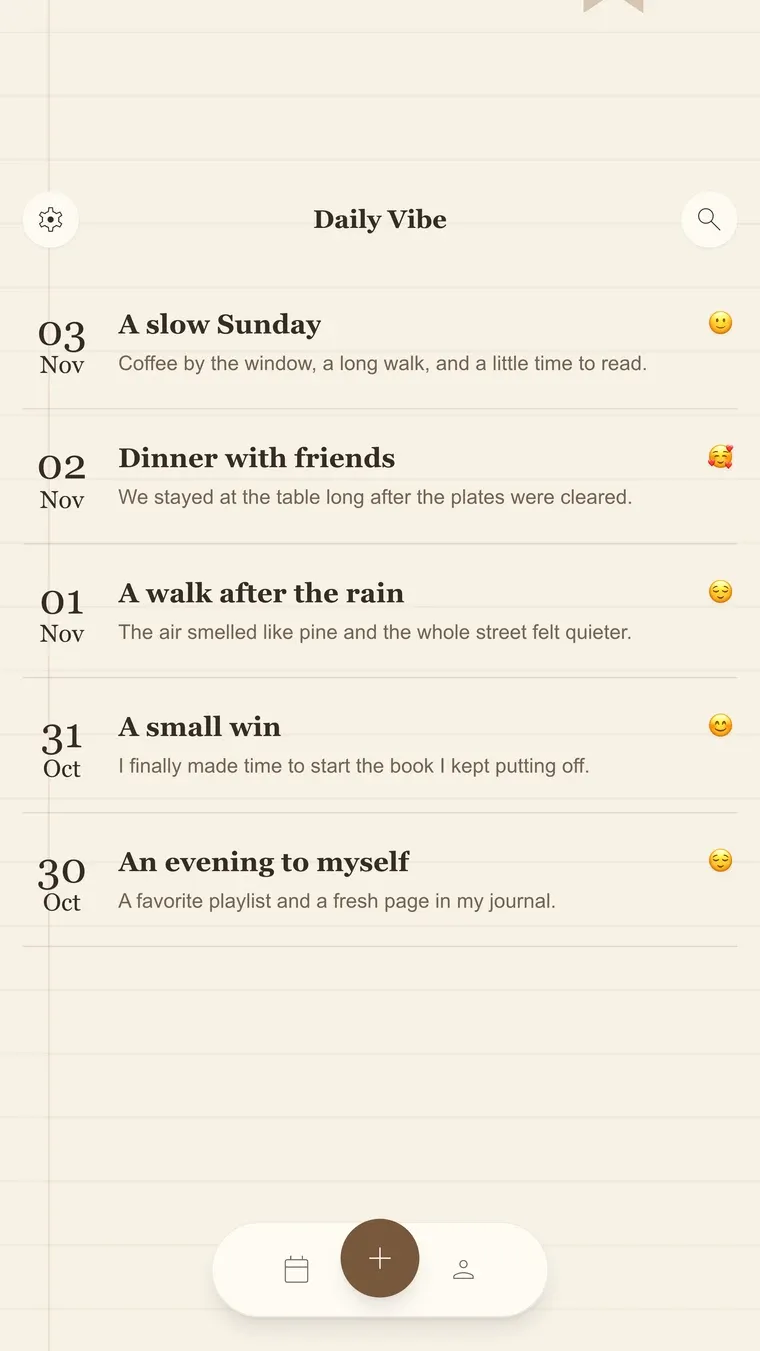
Jot down a small win, unpack a conversation, or write one thing you’re grateful for.
Talk through a busy day or keep a thought in your own voice while it’s still fresh.
Keep a short clip of a place, a celebration, or an ordinary moment you want to see again.
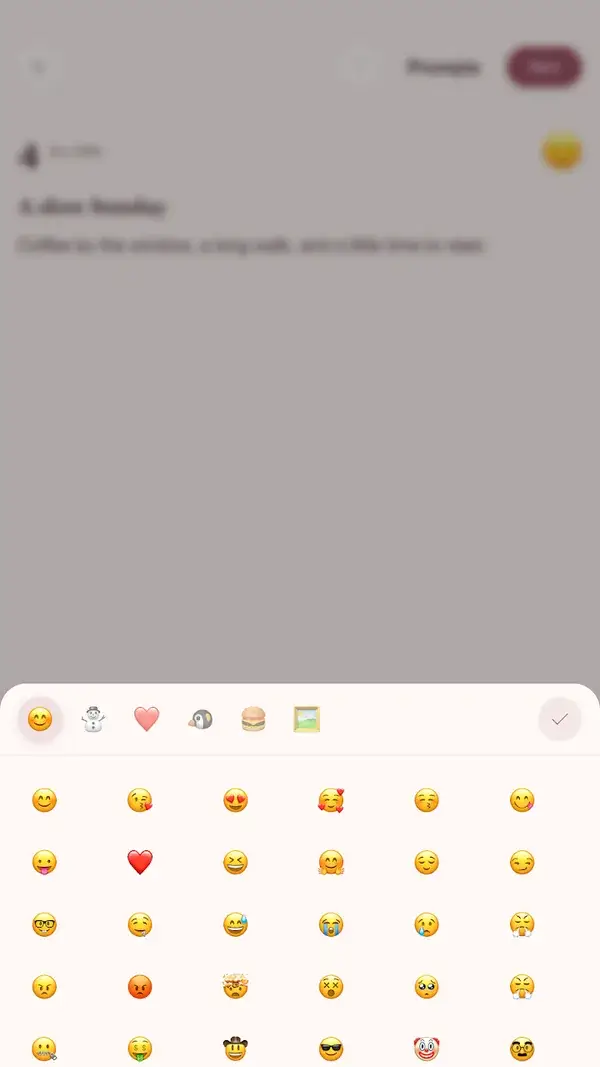
Start with a guided question or template when the page is blank. Add a mood to remember how the day felt.
Mood insights help you spot patterns across days. Revisit your entries alongside them to recall what was happening at the time.
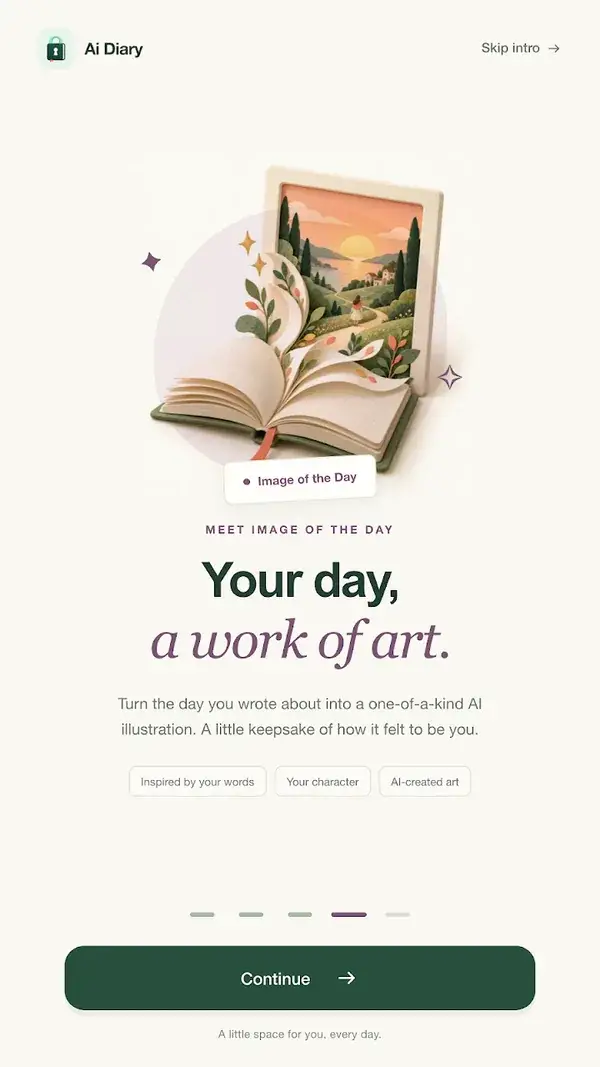
Imagine turning a note about a quiet walk after the rain into a scene you can revisit. The optional Image of Your Day feature turns a journal entry, mood, or memory into AI-generated artwork.
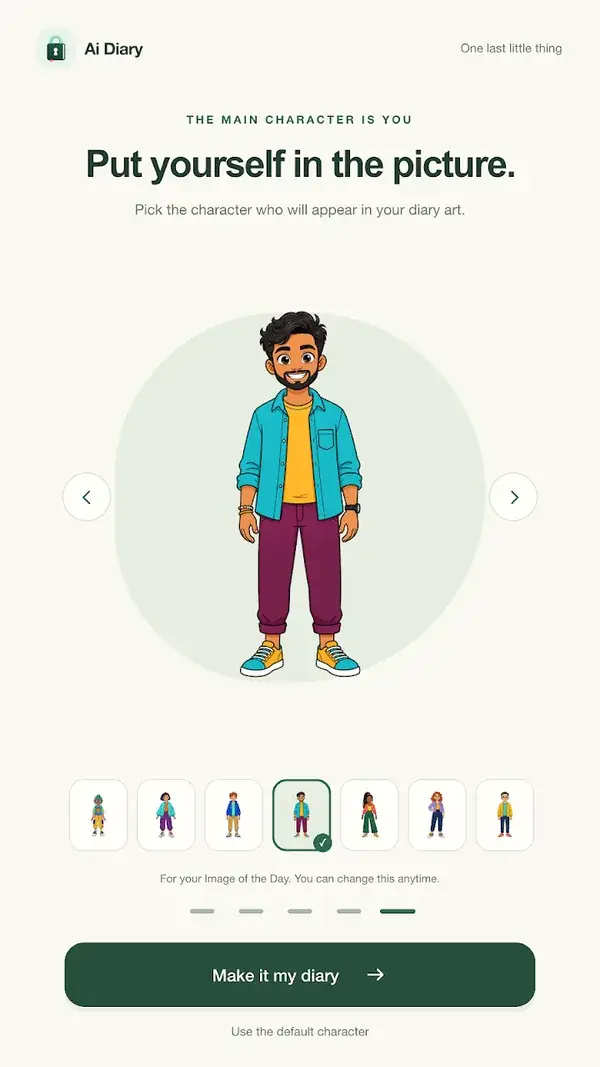
Pick a character for your Image of Your Day illustrations.
Find a GIF or sticker to illustrate a moment in an entry.

Turn on the app lock to protect access to your entries, even when you hand someone your unlocked phone. If your Android device supports biometrics, you can use them to open the journal.
Yes. AI images are optional. You can write, record, and track your mood without creating an illustration.
Choose a guided prompt for a starting question, or use a template to give your entry a little structure.
Yes. Log your mood when you check in, then use mood insights to look back across multiple days.
Yes, if your Android device supports biometric unlock. Turn on the app lock to protect access to your journal.